Adding a design block lets you quickly build out sections of your page using pre-designed layouts. These blocks save time and give you ready-made options for common elements like headers, buttons, and calls to action.
Open the page where you want to add a design block. You’ll see an empty row ready for content.
In the design block panel, browse through the available categories.
Examples include buttons, buy boxes, calls to action, contact information, headers, and more.
Click a category (for example, Headers) to view the pre-designed blocks.
Select a block you’d like to use and drag it onto the yellow placement bar on your page.
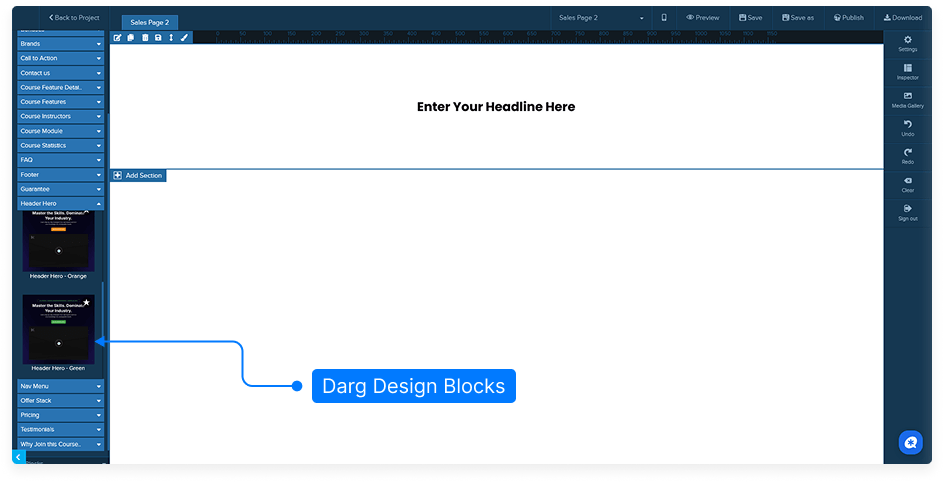
The block will be inserted into your page layout.
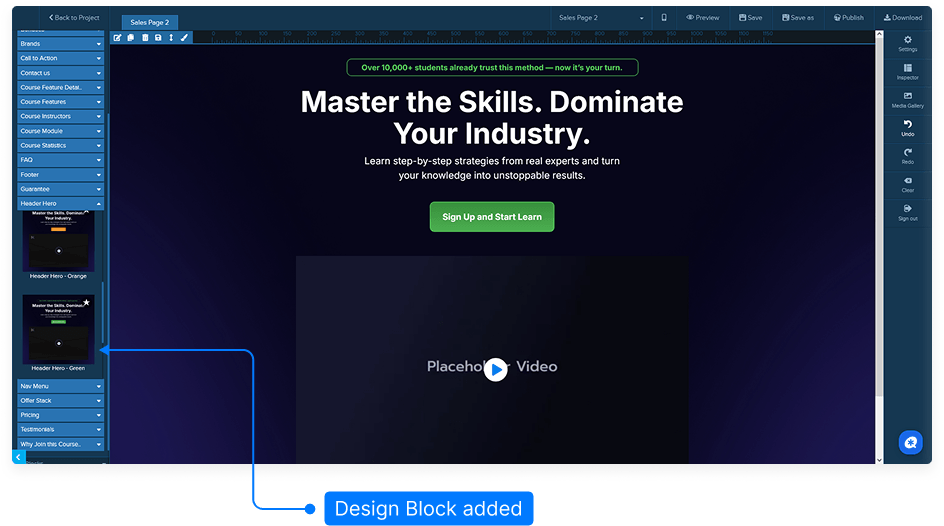
Remember to click Save to keep your changes.
That’s it! You’ve added a pre-designed block to your page, making it faster and easier to create polished layouts.