How to Share a Membership with Other Accounts
You can share a membership with other accounts to collaborate or distribute membership templates. This feature allows you to securely share your membership setup without sharing your existing members or private data.
Click Projects to Open your Membership Projects
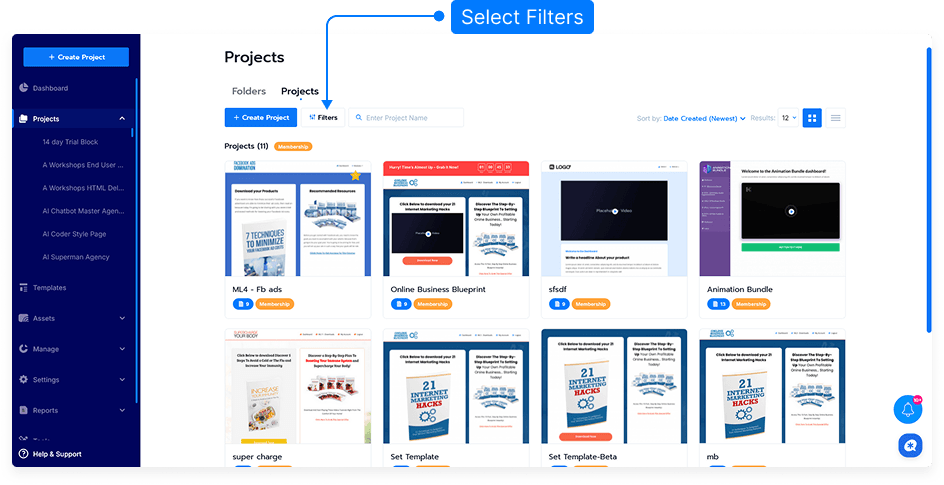
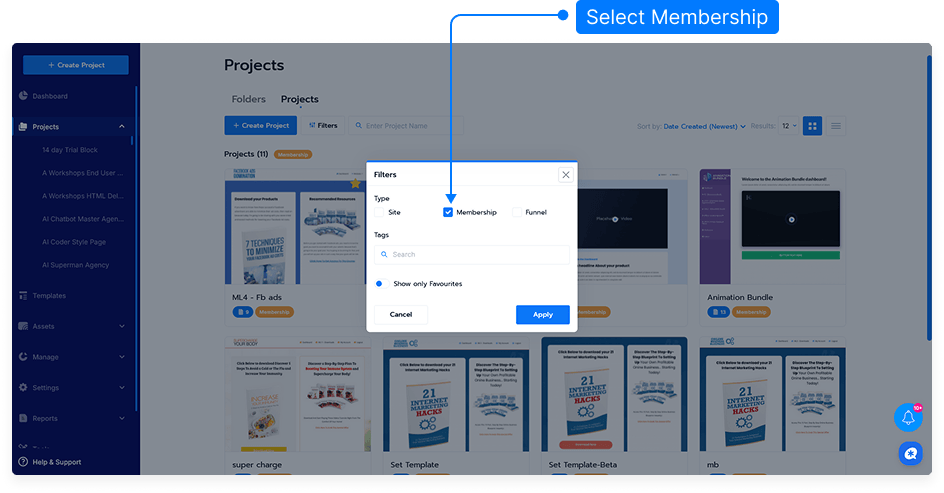
Click Filters Button it will open filter modal then select Membership
Hover over the Project Card to the membership you want to share.
Click Share from the bottom card.
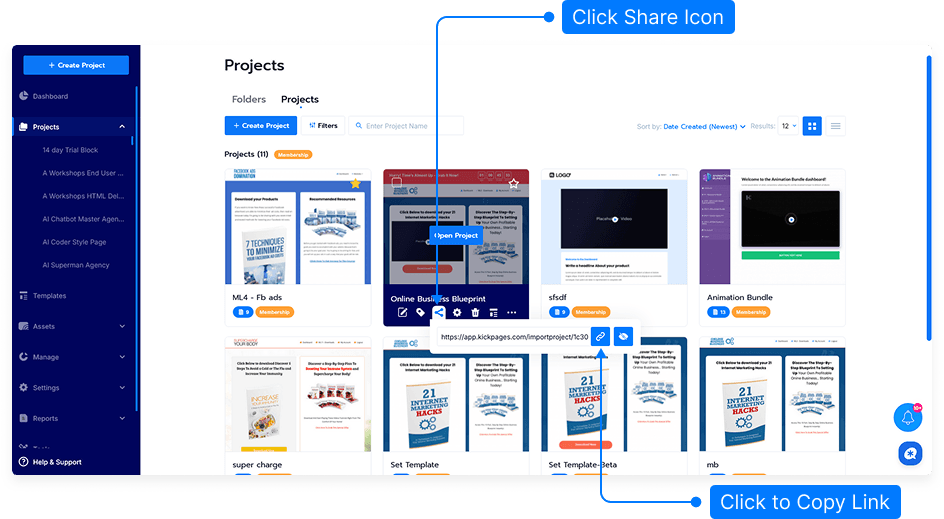
A sharing panel will appear. You can:
Copy the share link to give to another user.
Set up privacy by entering specific email addresses allowed to access the shared membership.
When another user receives the share link, they can click it to import the membership into their own account.
The shared membership will automatically include all levels, but it will not include the existing members.
That’s it! You’ve successfully shared a membership with another account—safe, simple, and fast.