Sharing design blocks between accounts makes it easy to collaborate with a team, work with other users, or even provide special bonuses to affiliates. You can share one or multiple design blocks at once by generating a unique share link.
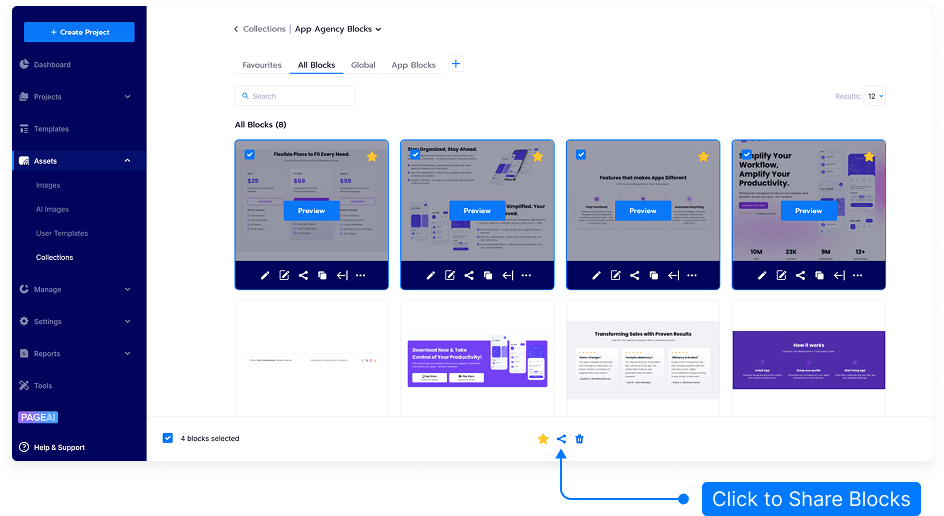
Click Assets menu then click Collections.
Each design block will have a checkbox in the top-left corner.
Select one or multiple blocks you’d like to share by checking the boxes.
After selecting blocks, choose Share Selected.
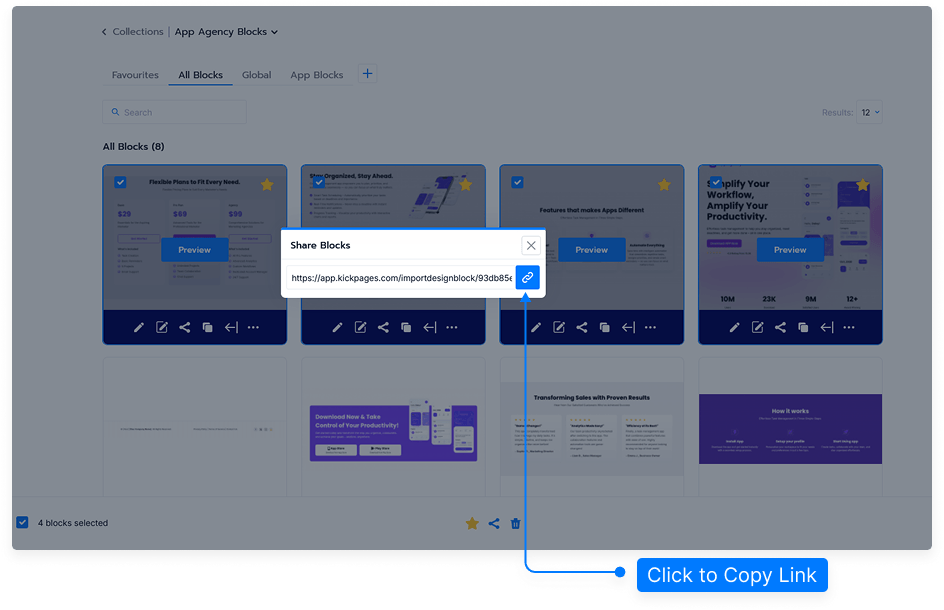
A unique URL will be generated. Copy this URL and provide it to another user.
When the recipient opens the link, they will be asked to:
Select an existing category for the imported blocks, or
Create a new category.
After choosing the category, they simply click Save. The design blocks will be added to their account and will immediately be available for use in any page they create.
That’s it! With just a few clicks, your design blocks can be shared and reused across different accounts seamlessly.